Edit your company
Set the company name, logo, account email and description, and require two-factor sign-in.
Before you start
Only a company admin can open this page. It sits under Company in the Settings sidebar. Other roles do not see it.
The Company page holds the company itself: the name, logo and description shown across the company and on invoices, and the account email. It does not depend on the location picker. Hours, address and phone are set for each location, on Edit a location's details.
Open Company
Click the page menu at the top left, then click Settings. In the sidebar, click Company under Company.
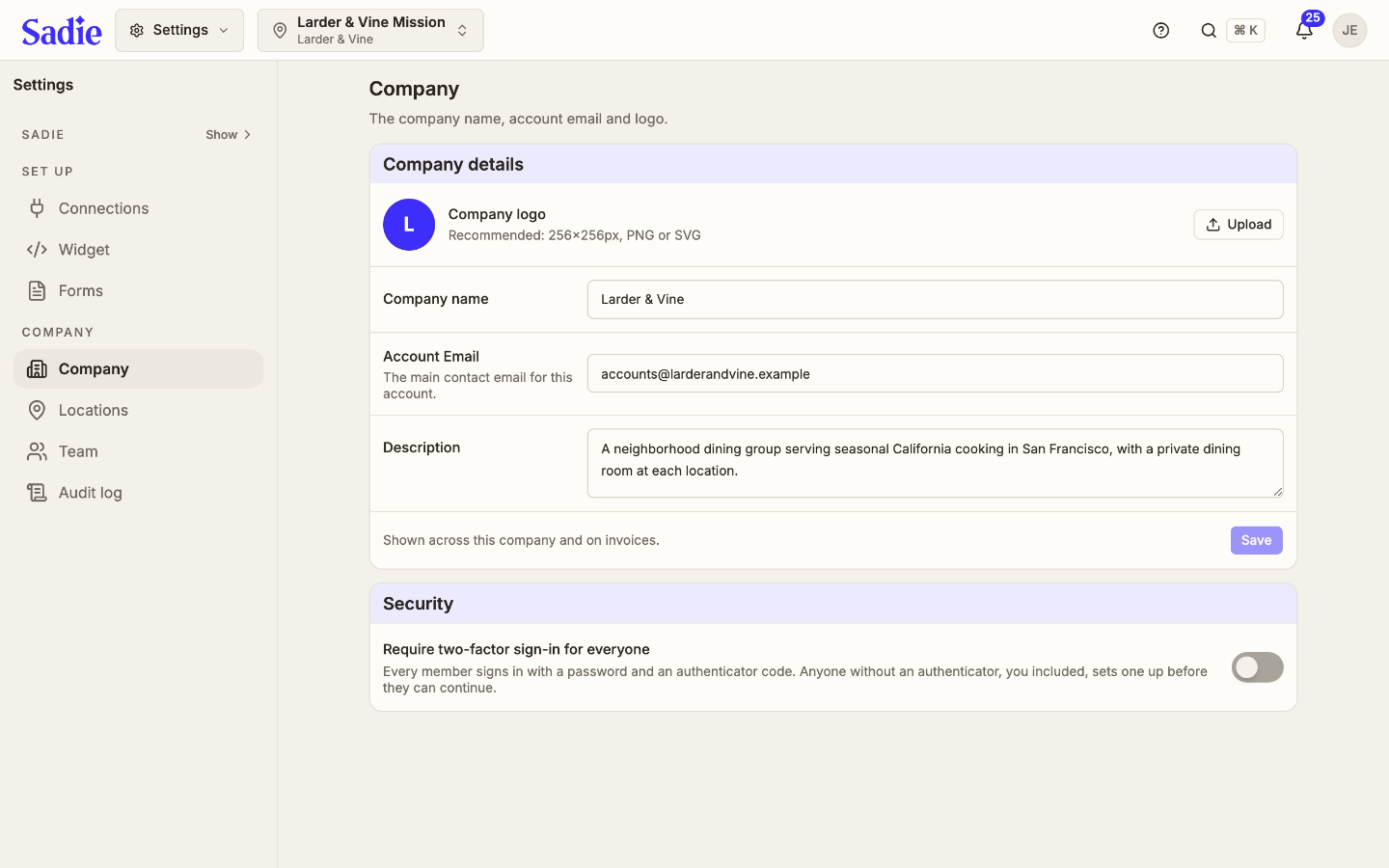
Set your logo
Click Upload in the Company details card and choose a PNG, JPG, WebP or SVG image. 256 by 256 pixels is the recommended size. Crop a PNG, JPG or WebP image to a square, then confirm. The logo saves right away, and a Logo updated message confirms it. To take the logo off, click Remove.
Set the company name, account email and description
Type the company name into Company name. Type the main contact email for the account into Account Email. The company cannot save without a name or a valid email. Description is optional.
Save your changes
Click Save. A Settings saved message confirms it. If a required field is empty or the email is not valid, the page marks it and saves nothing until you fix it.
Require two-factor sign-in for everyone
The Security card holds Require two-factor sign-in for everyone. Switch it on, then click Require it to confirm. Every member then signs in with a password and a code from an authenticator app. Members who are signed in are stopped at their next action until they set one up. If you have no authenticator yet, the window says so and you set yours up right after you confirm.
Each member sets up their own authenticator on Update your profile. This switch only requires it. Once it is on, members who already have an authenticator cannot turn it off.

Close the company
A company cannot be deleted from this page. To close it, contact Sadie support.
What's next
Once the company details are set, invite the people who work in it on Invite and manage your team.