Your email templates
What the Email templates page is, who uses it, and which emails your team receives today.
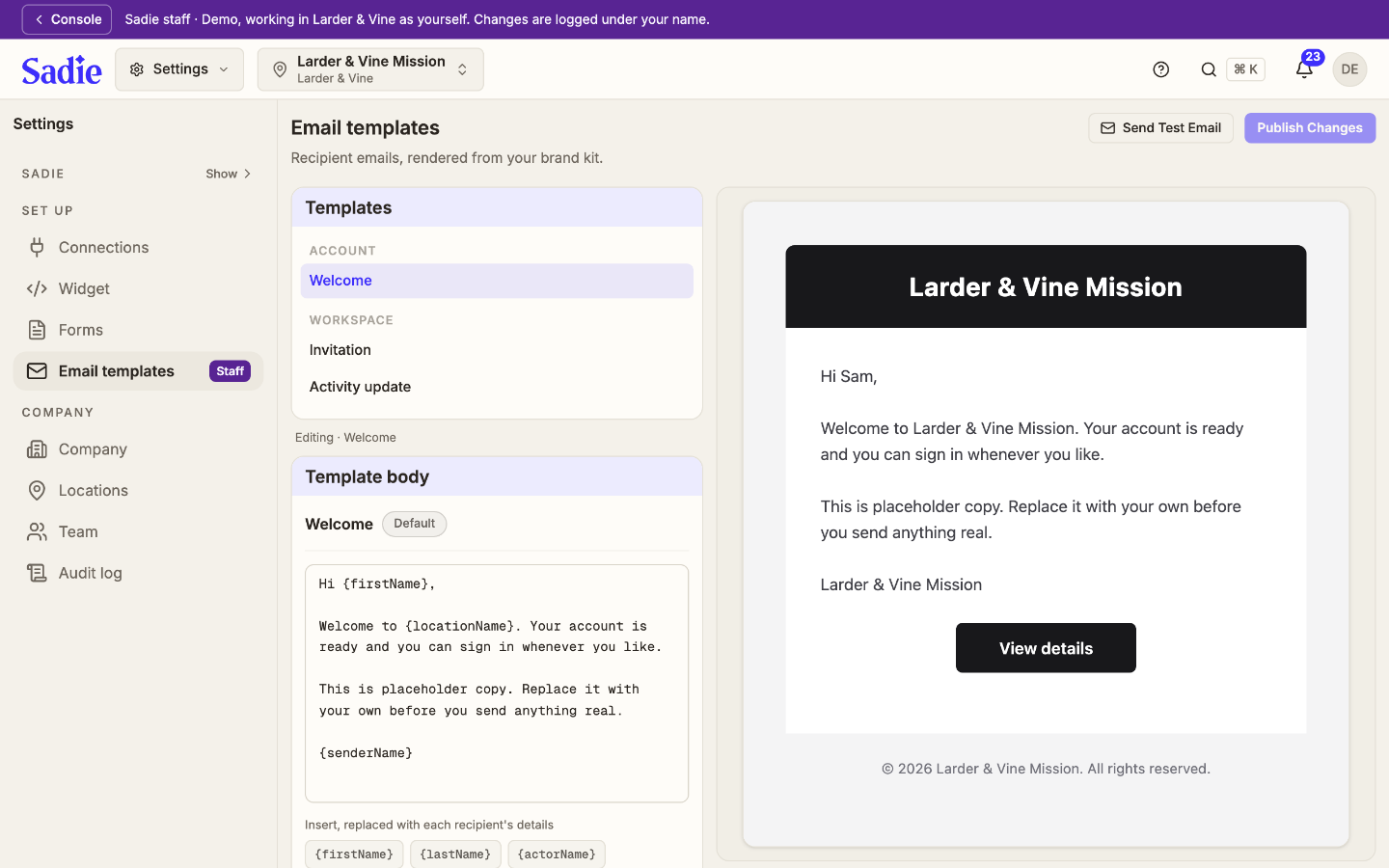
The Email templates page is where your Sadie team designs how a location's emails look and read. It is a design and preview space for now: the emails your team receives today use Sadie's standard design, not the templates saved there.
Who uses it
Email templates opens only for Sadie staff, so it is not in your Settings sidebar. Contact your Sadie team if you want to see a preview of your location's emails.
The emails your team receives today
Sadie sends the emails people need to get into the portal, such as the invitation to join your team and the link to reset a password. They use Sadie's standard design, and changes made in Email templates do not change them yet.
What Email templates holds
Email templates has three example templates for each location, under Account and Workspace: Welcome, Invitation and Activity update. Your Sadie team can set the logo, colors, font, button label, footer text, address, website and wording, and send a test copy to an inbox to check the result.
What's next
See how people join your team on Manage your team.