Connect your point of sale and booking tools
Link the point of sale, booking channels, and add-ons for one location.
Connections is where you link the outside systems Sadie and your team rely on for one location: the point of sale that reports orders, the booking channels that bring reservations in, and any add-ons your account carries. Settings here apply to the location shown at the top of the page.
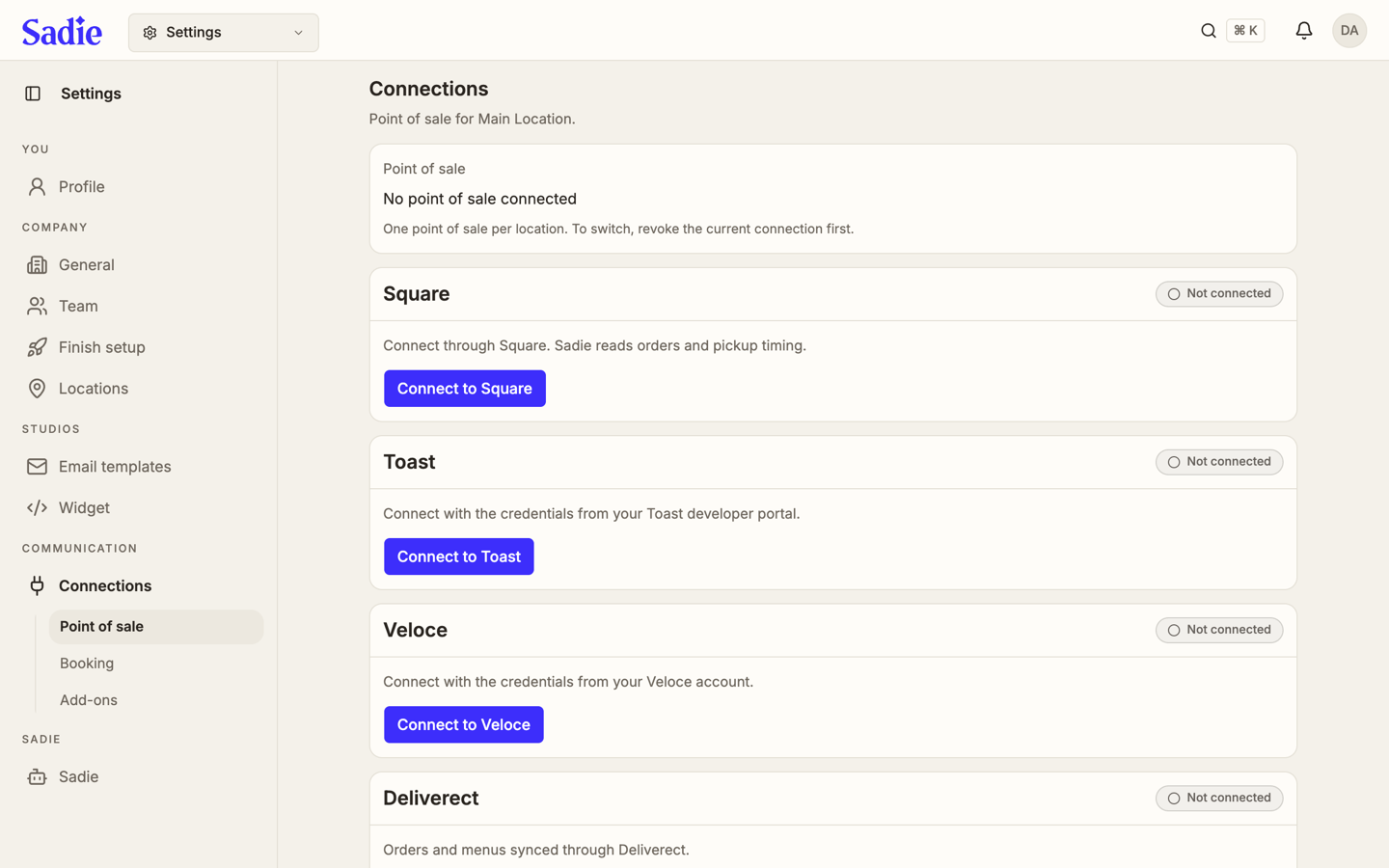
Point of sale
A location can connect to one point of sale system at a time. To switch to a different one, revoke the current connection first.
Four providers are listed as cards, each showing whether it is connected. Click Connect to Square to link Square; Sadie then reads orders and pickup timing through the connection. If a caller orders by phone, Sadie only takes that order during the hours of a Working Hours section named "Takeout" or "Kitchen". Click Connect to Toast and enter the credentials from your Toast developer portal. Click Connect to Veloce and enter the credentials from your Veloce account. Deliverect has no Connect button here; orders and menus sync through it once it is set up.
Booking
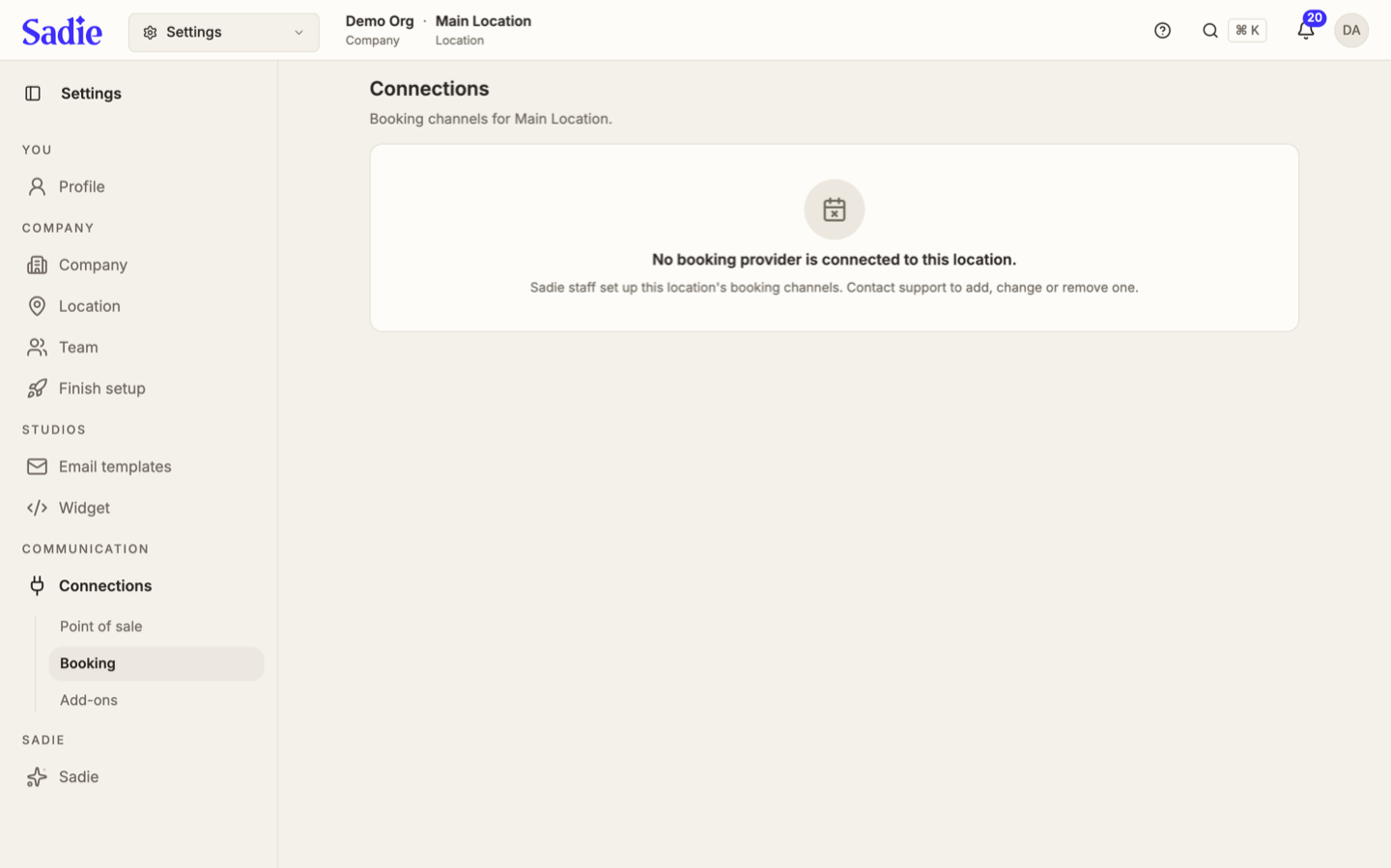
The Booking tab shows the one booking provider connected to this location, such as OpenTable, SevenRooms, Libro, ResDiary, Yelp, Google, or Sadie Lite taking bookings on its own. If none is connected, it reads "No booking provider is connected to this location."
This tab is read-only. Sadie staff set up a location's booking channels; contact support to add, change, or remove one.
Add-ons
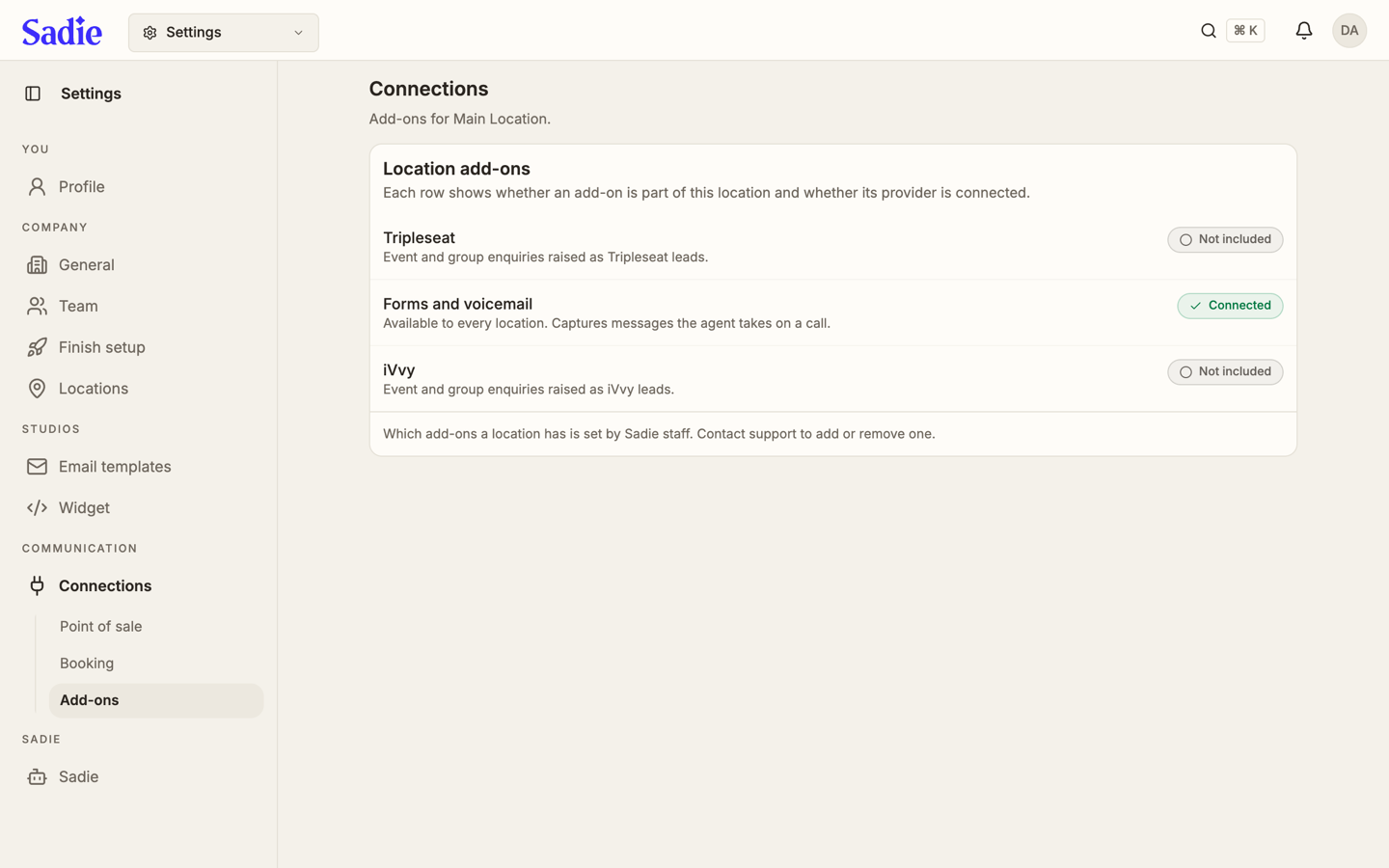
The Add-ons tab lists the add-ons available for this location and whether each one's provider is connected.
Tripleseat raises event and group enquiries as Tripleseat leads. Forms and voicemail is available to every location and captures messages the agent takes on a call. iVvy raises event and group enquiries as iVvy leads. Each row reads Not included, Connected, or a similar status. Which add-ons a location has is set by Sadie staff. Contact support to add or remove one.
What's next
Once your point of sale and booking channels are connected, set up Sadie to answer your phones. See Set up Sadie, your phone assistant.