Filter the inbox
Switch between all your work, what still needs you, and one channel at a time.
The row of chips under the search field on the Inbox narrows the list to one thing at a time. Only one chip is active at once.
The four chips
All. Everything for the venue you have selected, calls and texts together, newest first. This is where the Inbox opens.
Needs you. Only the items still waiting on a person, whichever channel they came in on.
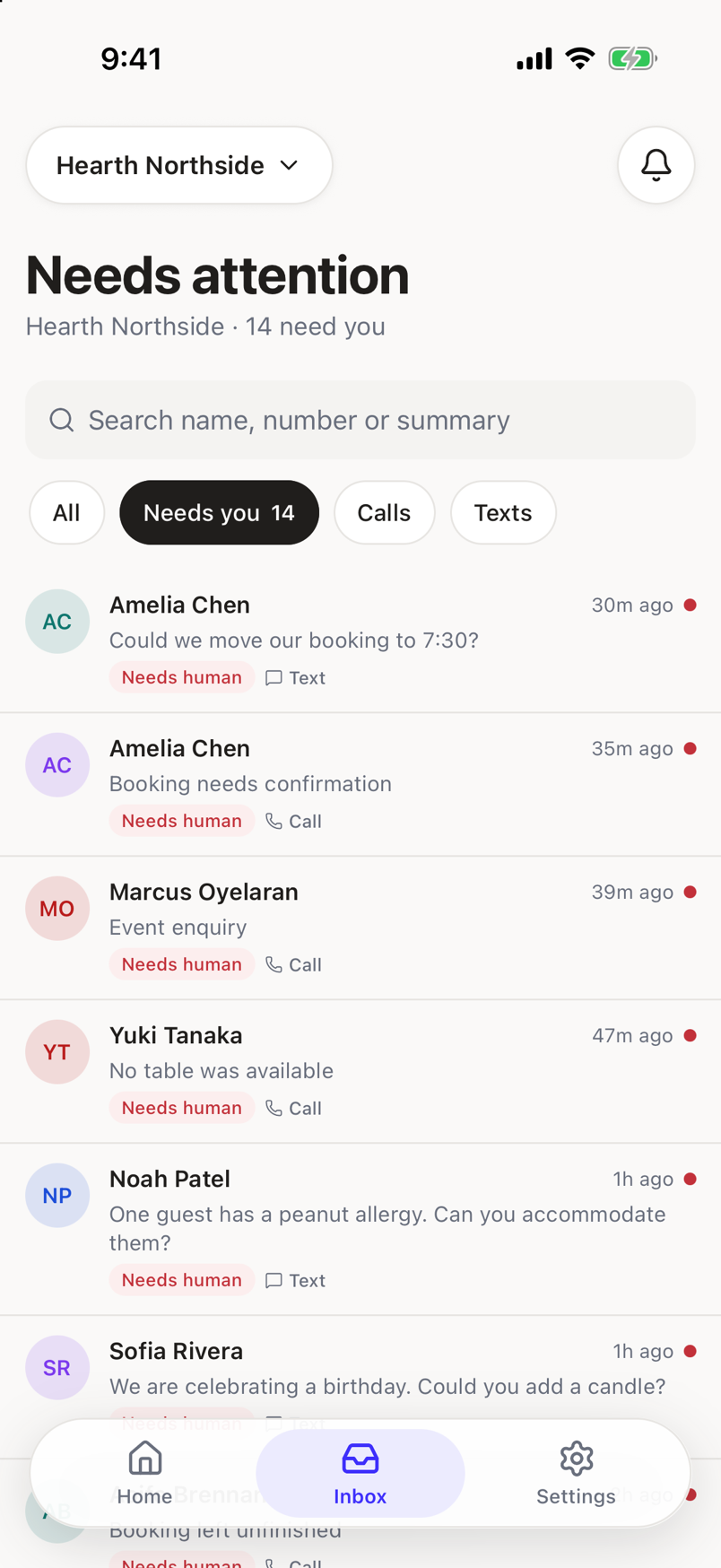
Calls. Every phone conversation, whatever its state, including the ones that need nothing further.
Texts. Every text thread, the same way.
Searching narrows further, on top of the chip
Type in the search field to match a name, a phone number, or a word from a summary. The chip you have selected still applies, so a search on Calls only looks through calls.
Nothing matches
Filtering to Needs you, Calls, or Texts and finding nothing shows Nothing matches that, with Clear the filter to see everything in the inbox. Tap All to go back to the full list.
No topic filters here
The Inbox filters by channel and by whether an item needs you. It does not filter by why a call happened. To look at Sadie's numbers by topic, see The Overview.