The notification center
Everything the app has told you, in one list behind the bell.
The bell at the top of Home and the Inbox opens the notification center. It is the record of what the app has told you, including the notifications that arrived while your phone was face down.
Open it
Tap the bell in the top corner of Home or the Inbox. The screen is headed Notifications.
Read the list. The newest is at the top, each row with what happened, who did it, and when.
Rows you have not seen yet are in bold. Opening the screen marks everything as seen and clears the count on the bell.
Tap the gear in the top corner to go to Notification settings.
When it is empty
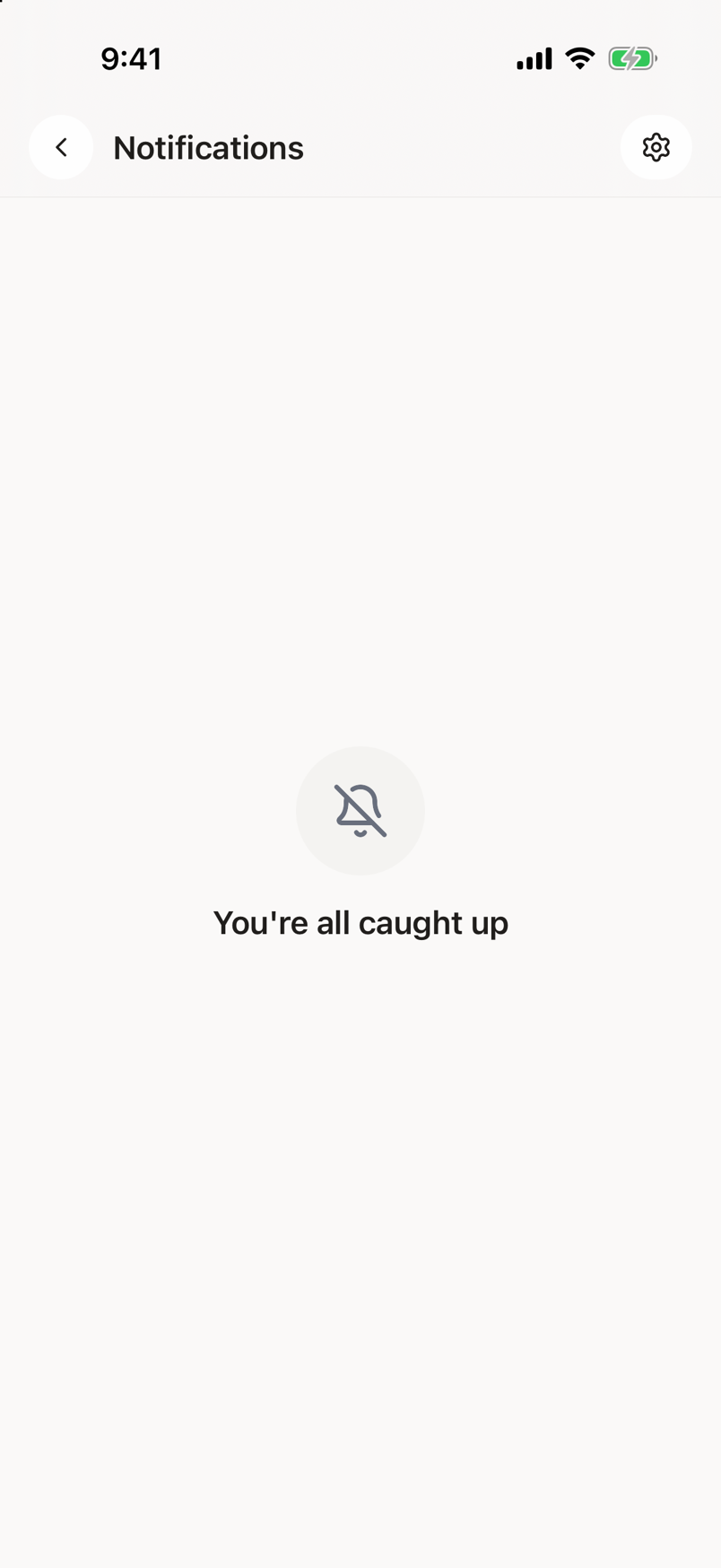
The screen says You're all caught up. That is the whole message and it means exactly what it says.
What each row says
The first line is what happened, for example Needs review, Assigned to you or New message. If the app does not recognize the kind, the line reads Update rather than nothing.
The second line names who did it, written as by and their name. When the notification is about a particular thing, that thing is named first. If the notification carries a date of its own, it is added at the end of the same line.
The time the notification arrived sits on the right.
If the list will not load
You get a warning triangle, Something went wrong, and a Retry button. Tap Retry. If the phone has no connection, get it back first.
This is not the Inbox
The notification center is a record of messages. The Inbox is the work. An item you have to do something about lives in the Inbox, and clearing a notification here does not finish it.