Manage your forms
Build and edit the forms your location collects, and see where each one sends its responses.
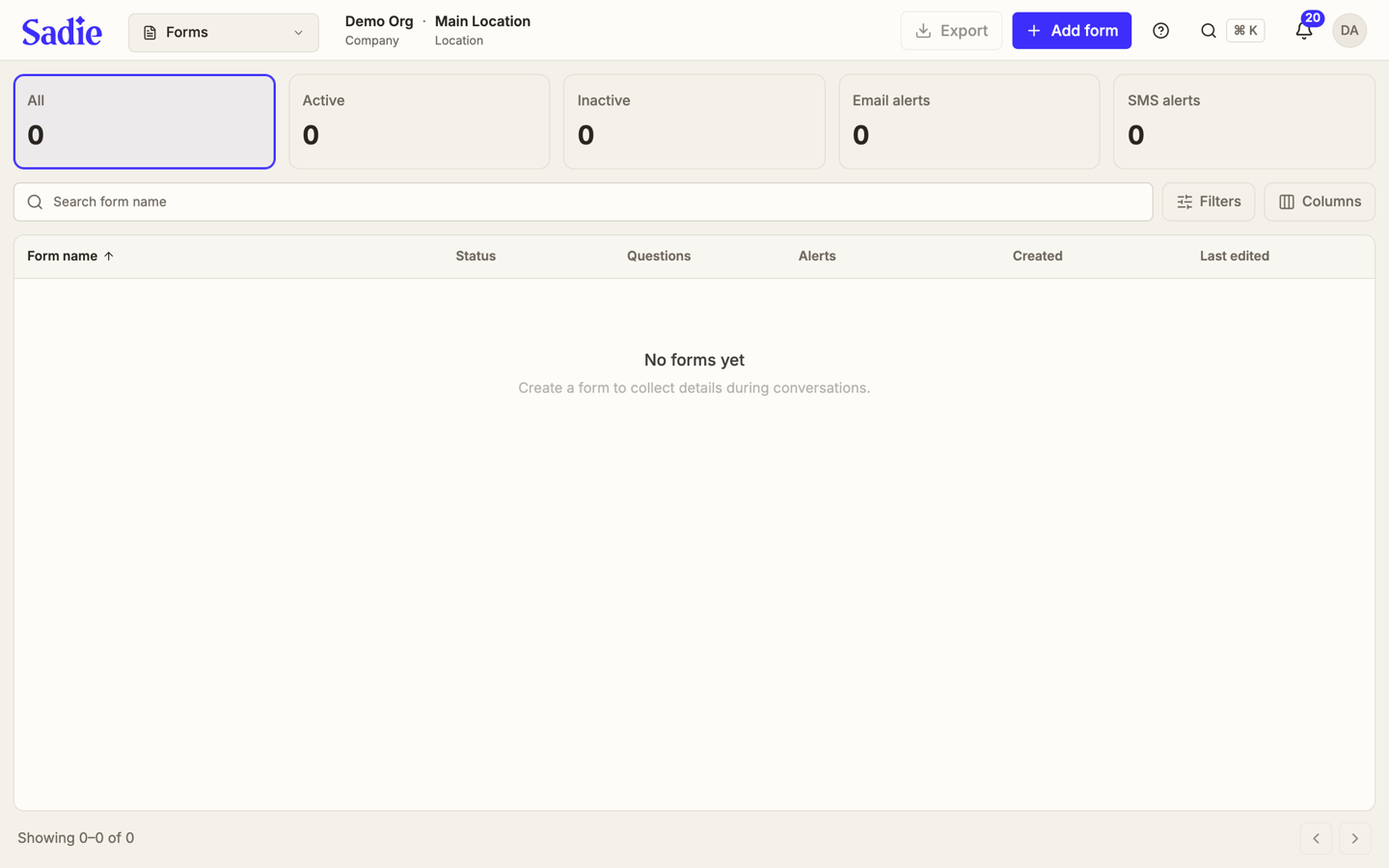
Forms lists every form your location collects responses through, one row per form with its name, status, fields, alerts, and when it was created and last edited. Forms itself does not show the responses; each one arrives as a conversation in the Inbox instead.
Open Forms
Click Forms in the sidebar. The stat row across the top counts all forms, Active, Inactive, Email alerts, and SMS alerts.
Find a form
Type into Search form name to narrow the list. Click Filters to narrow further by Alerts (None) or by Type (Custom or System).
Open a form
Click a row to see its questions, its trigger and introduction, and where its responses are sent.
Export forms
Click Export, at the top right, to download the forms that match your current filters as a file.
Build or edit a form
Staff and managers can click Add form to build a new one, or open a form's row and click Edit to change its questions, at any location they are allowed to manage. A viewer sees Forms as read-only.
What's next
Find someone in your guest list: Find a guest.